02 Layout
03 Insert
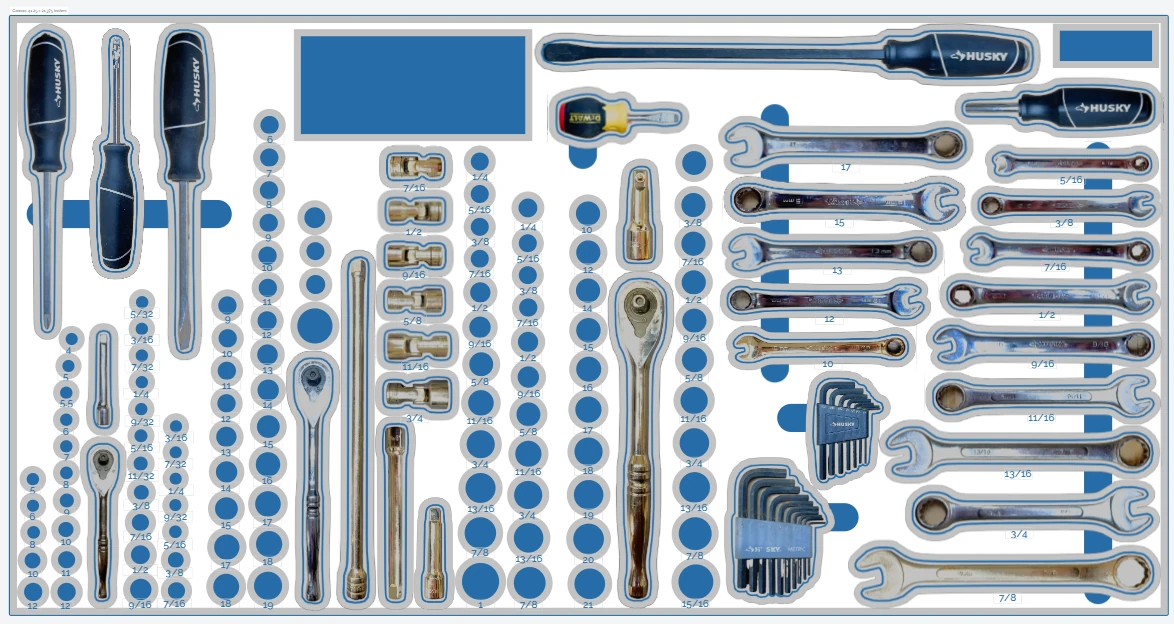
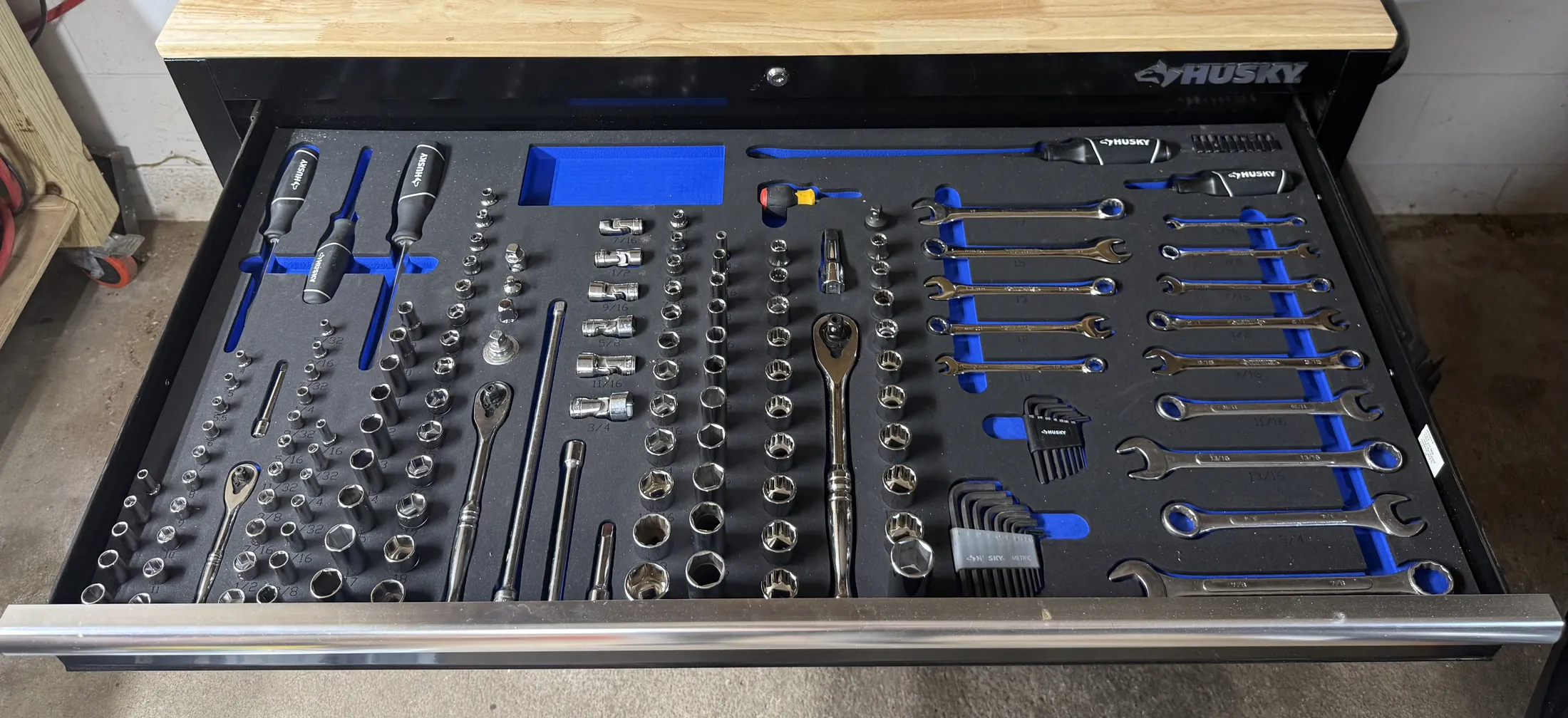
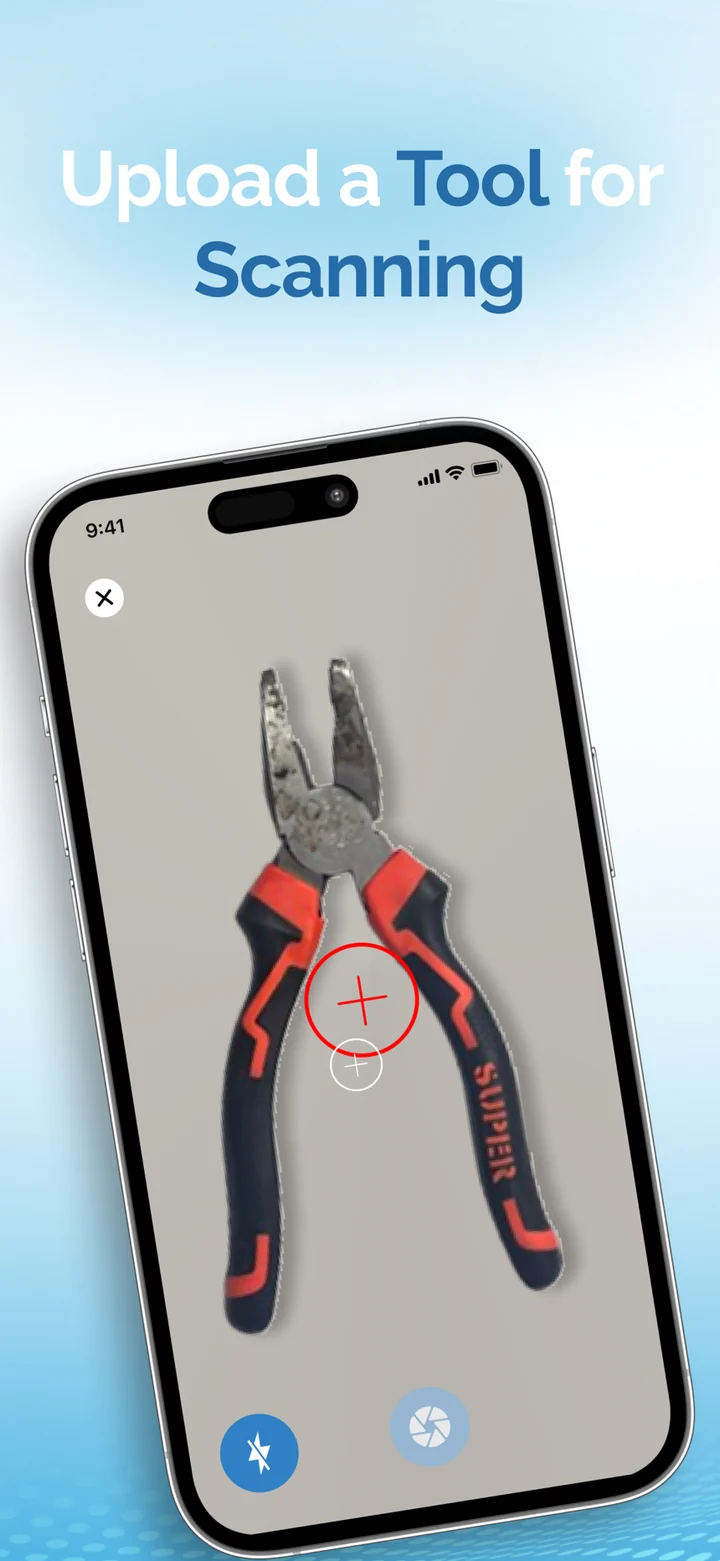
Lumashape
A connected system that turns a phone photo of a tool into a precisely cut foam insert.
From the one job the app has to do well, through design, build and store review, to the updates that keep people opening it.
Seven things have to go right. Here is each of them, and what it looks like on the screen.Swipe through.
People open an app to get one thing done. We find that thing, design everything around it and leave the rest for later. A short list of what version one will not do is as useful as the list of what it will.
Mobile use is short, one-handed and interrupted. The main action sits where a thumb can reach, the screen explains itself at a glance, and the loading, empty and error states are designed too, because that is where apps lose people.
One codebase for both stores with Flutter or React Native, or fully native in Swift and Kotlin when the product leans on the device. It is a product decision as much as a technical one, and we make it with you, in writing.
Notifications, Apple Pay and Google Pay, camera, location, biometrics, offline storage. Each is a permission to ask for at the right moment and a failure to handle gracefully when the answer is no.
An app is the visible tenth. Accounts, data, sync and the rules of the business live on a backend we build alongside it, with analytics that show what people actually do, not what we hoped they would.
Store listings, screenshots, privacy declarations, test builds and review notes. App review has rules that are easier to design for than to argue with, so we plan for them from the first sprint.
New OS versions, new devices, store policy changes and the things your users ask for. Release day is where the most useful information starts arriving, so we plan a release rhythm, not a finish line.
The question every app starts with. There is no universal answer, but there is usually a right one for you.
Tick what matters to you.
A starting position, not a verdict. The choice is made during planning, against your roadmap, with the reasoning written down.
Mobile app development at SOLOGEN covers the whole life of an app: product strategy, UX and interface design, iOS and Android engineering in Flutter, React Native or native code, the backend it talks to, app store release, and the maintenance that follows.
The logic, APIs and integrations behind the interface.
The backend carries your business rules. A well-structured one makes new features cheap and keeps the product stable when usage climbs.
Apps on the devices people carry all day.
The mobile stack shapes cost, speed of delivery and how the app feels in the hand. It is a product decision as much as a technical one.
Where the product runs, scales and recovers.
Infrastructure decides reliability and running cost. We fit the platform to your scale, your team and any systems you already use.
It depends on what the app has to do on the device, who will maintain it and how soon you need to be in both stores. We work with Flutter, React Native and native technologies, and recommend one during planning with the trade-offs written down.
Yes. Store listings, review guidelines, privacy declarations, test builds and the release itself are part of the work, not an afterthought at the end.
Yes. Web development is one of our disciplines, so the app, its API and any web product can be designed and built by the same team against the same data.
It can, if that is designed in from the start. We decide early what must work without a connection, how data syncs afterwards and what the app says while it waits.
New OS versions, new devices, dependency updates, store policy changes and the features your users ask for. We plan for a regular release rhythm instead of treating launch as the finish.
Use the project brief to tell us about the app. If you are still deciding what it should be, ask to talk to a mobile specialist first.
02 Layout
03 Insert
A connected system that turns a phone photo of a tool into a precisely cut foam insert.

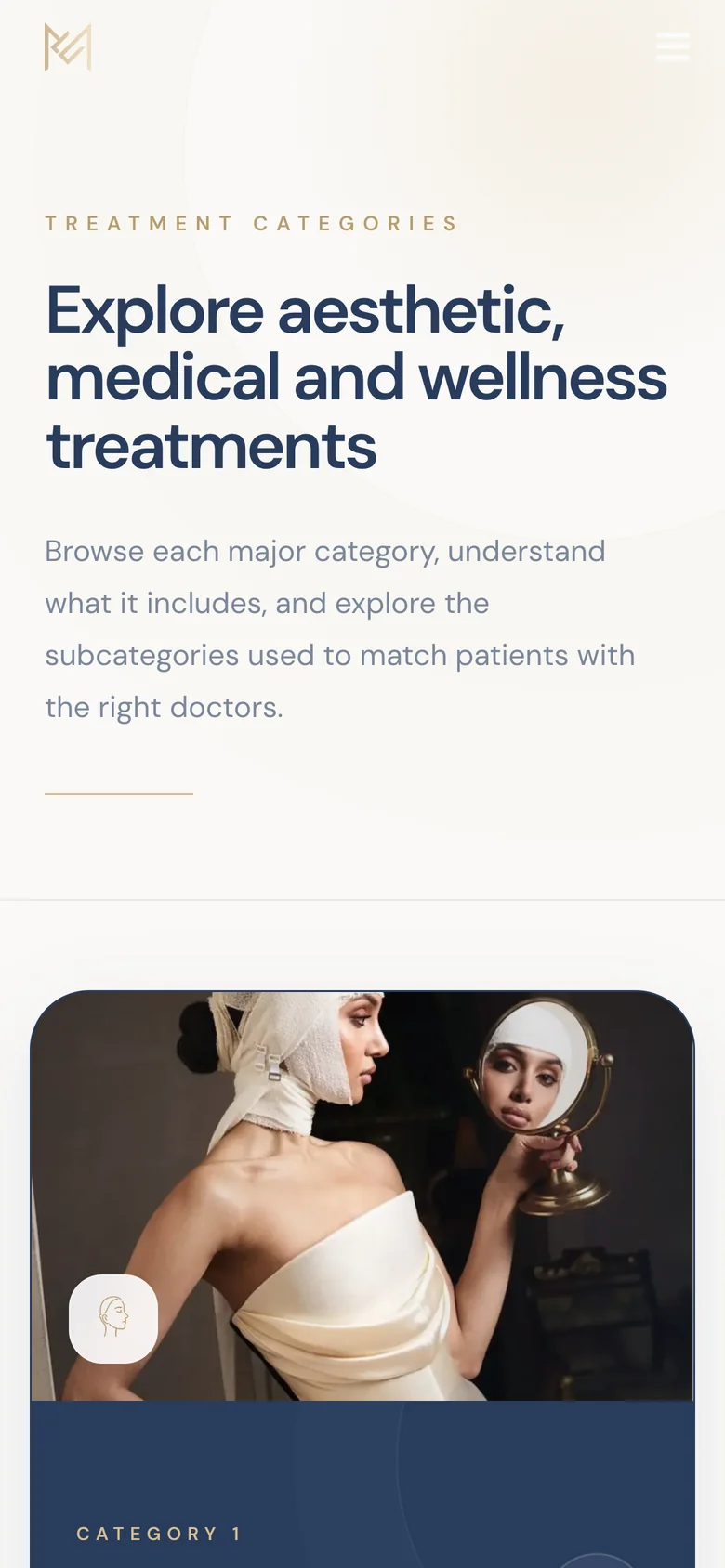

A platform that helps patients understand aesthetic treatments and find the right practitioner before a first appointment.