Lumashape: Tool scanning and foam insert platform
A connected system that turns a phone photo of a tool into a precisely cut foam insert.
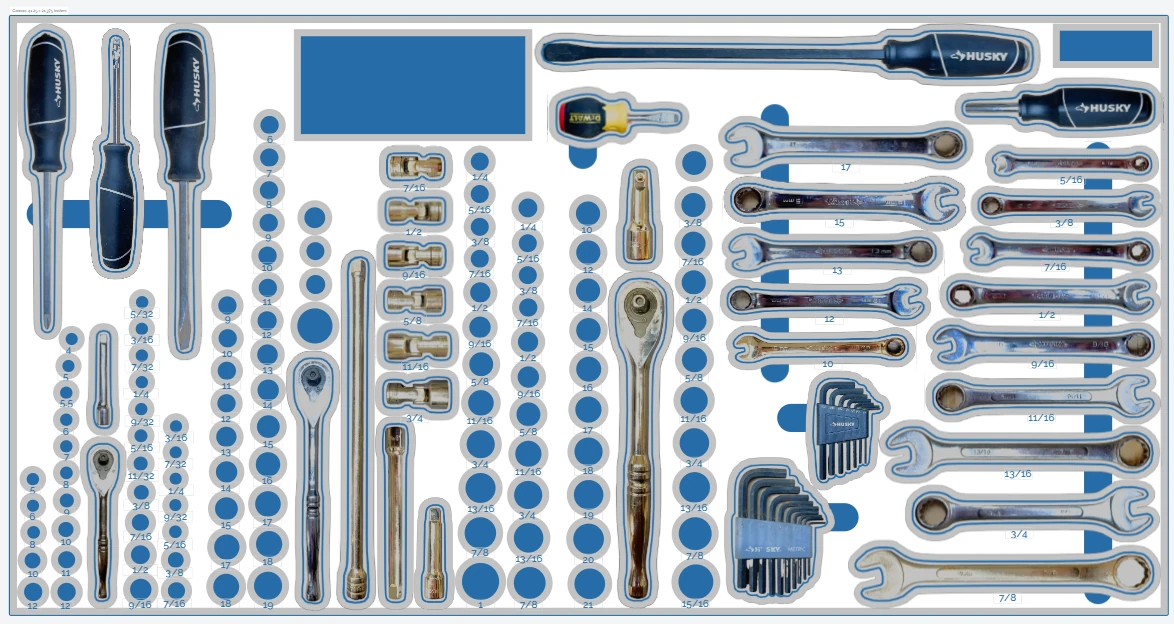
02 Layout
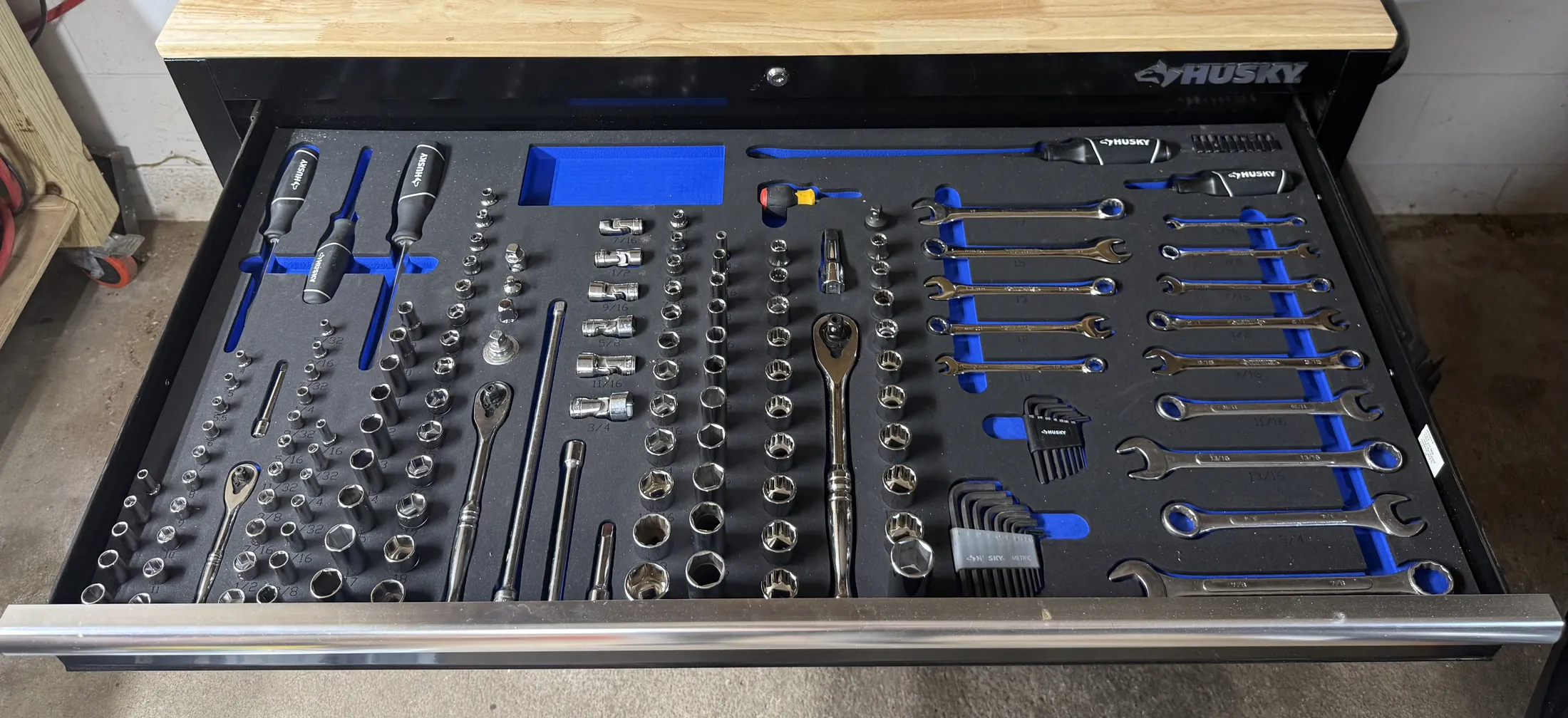
03 Insert
- Client
- Lumashape LLC
- Industry
- Manufacturing and tool control
- Platforms
- iOS app, Android app, Web application
- What SOLOGEN did
- Computer vision for contour extraction
- iOS and Android apps
- Web layout application
- Product and interface design
Why it matters
Tool control foam has meant tracing every tool by hand or in CAD. Lumashape removes the tracing, so a shadow board takes minutes and nobody needs to be a draughtsman.
Lumashape is one ecosystem in three parts: a mobile app that scans, a web application that designs, and a fulfilment service that cuts and ships. A shared library sits across all of it, so a tool scanned once can be reused by anyone.
It is used by manufacturing teams, tool control programmes, engineering departments and individual makers.
The challenge
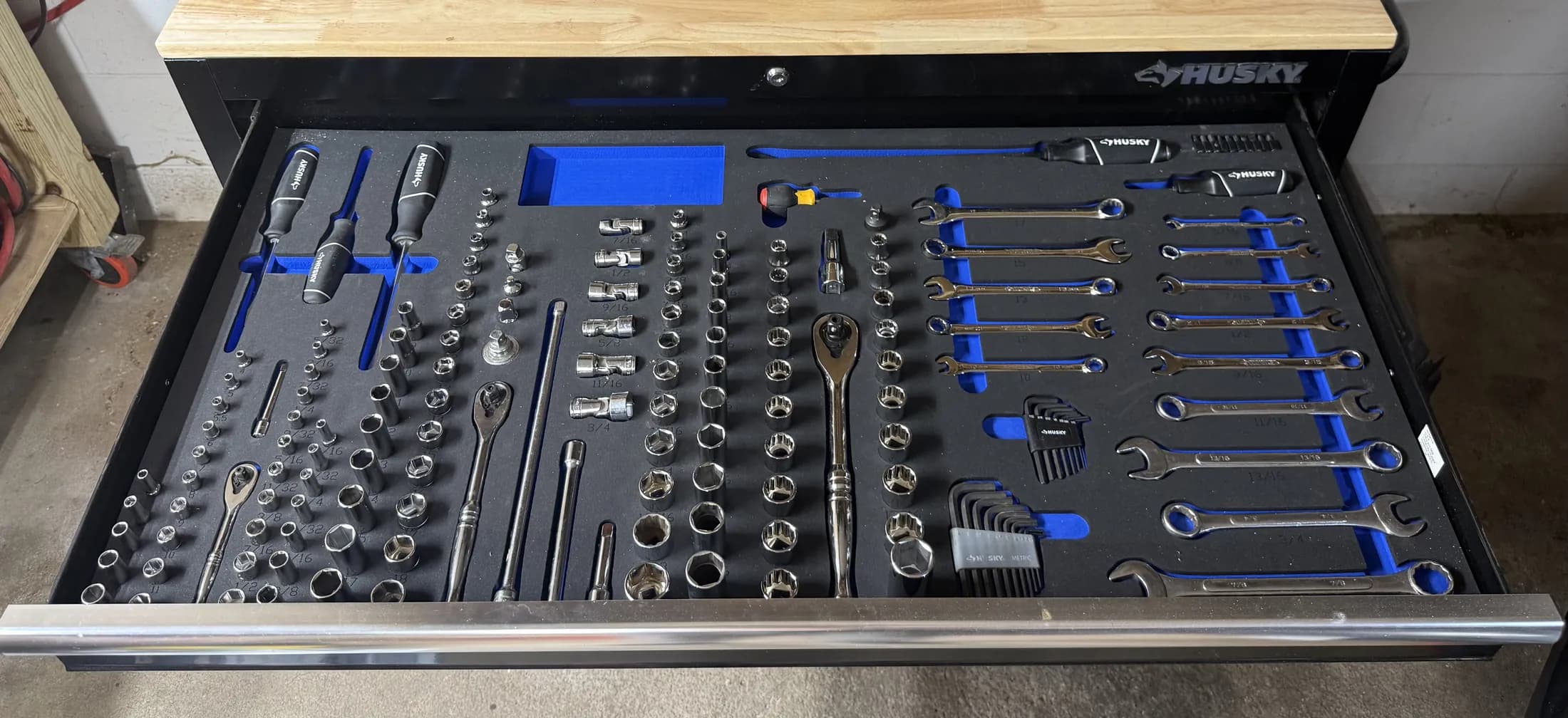
An organised drawer depends on foam cut to the exact outline of each tool. Getting that outline has meant tracing by hand or drawing in CAD: slow, specialist work, repeated by every workshop for the same common tools.
What we built
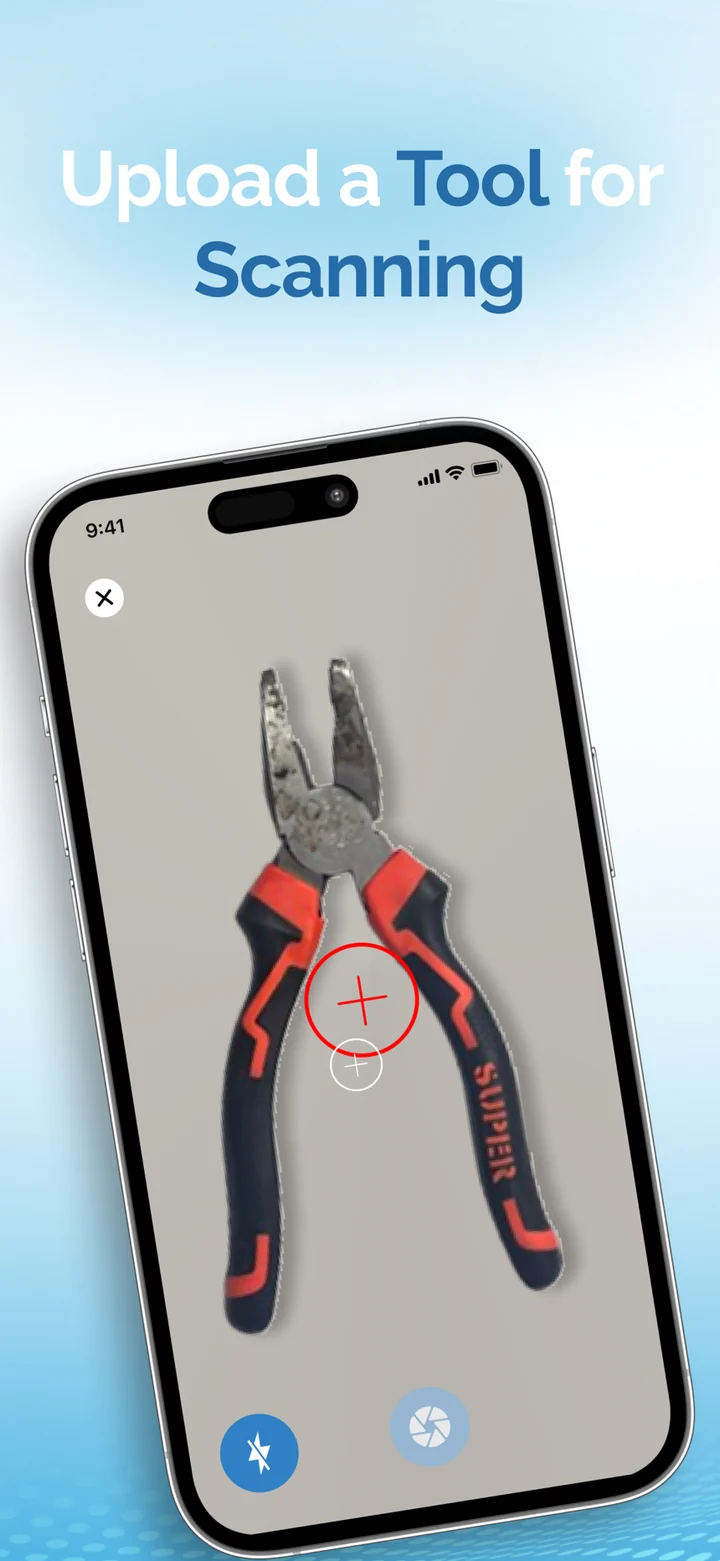
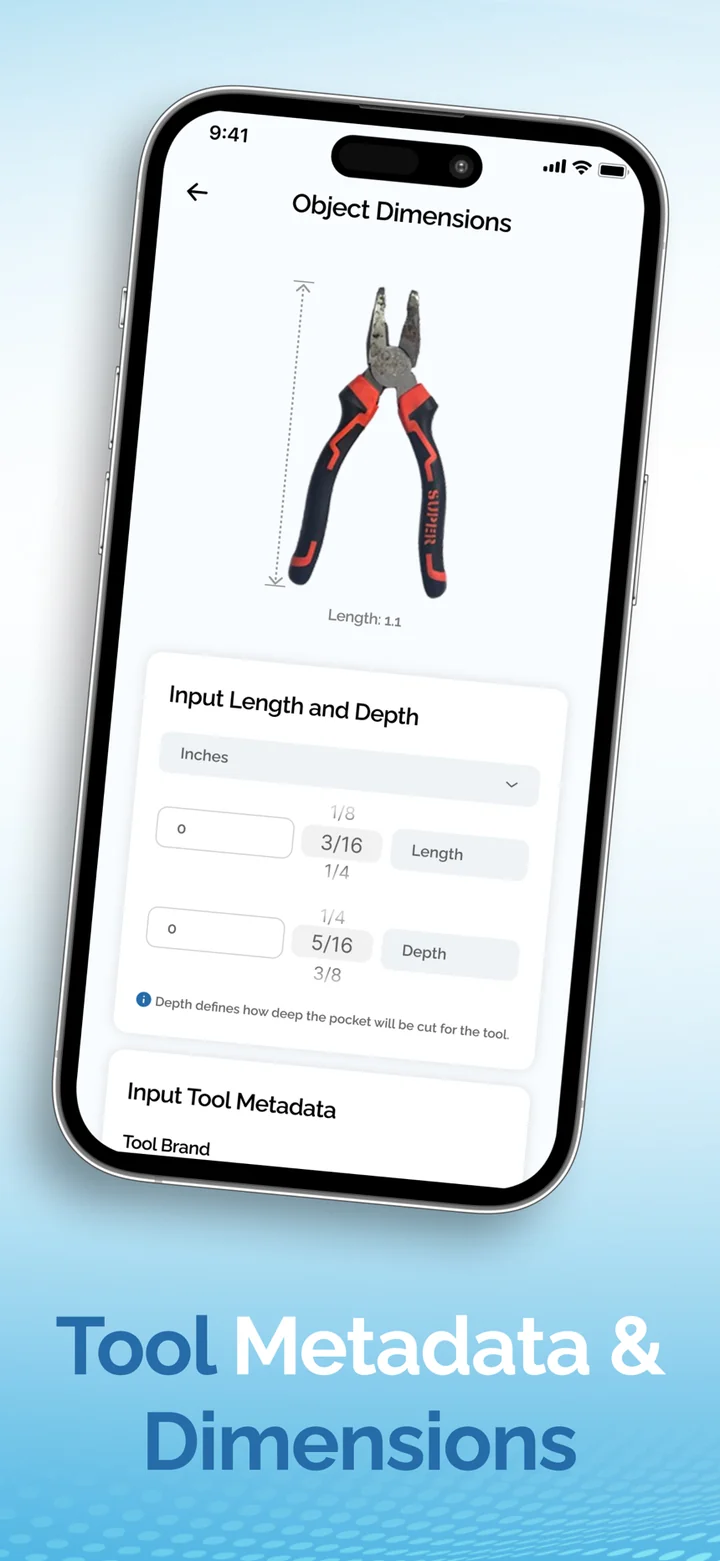
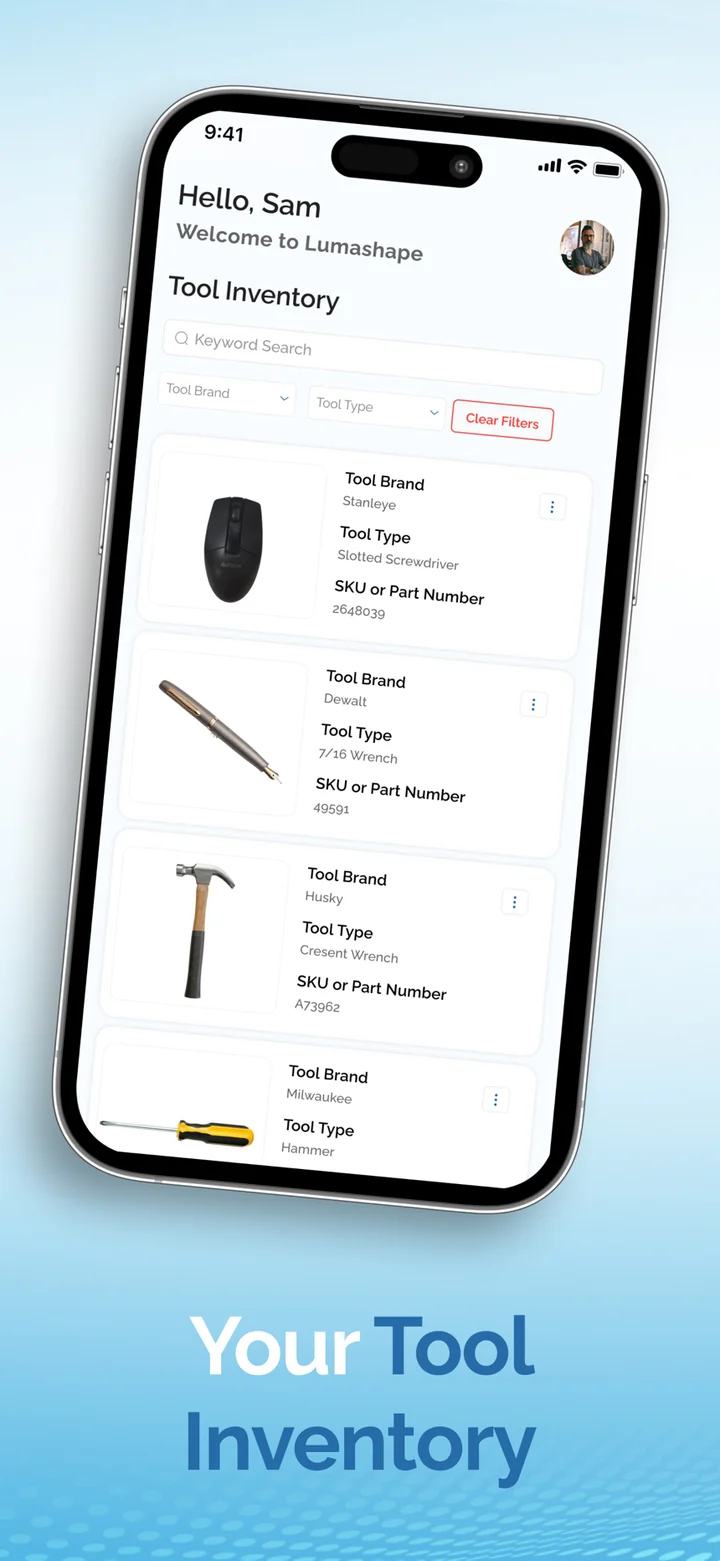
The mobile app takes a guided photo and extracts an accurately scaled contour, saved to a personal tool inventory with its brand, type and dimensions. The web application arranges those tools into a drawer layout and previews it. From there the layout becomes a cut-ready DXF file for in-house machines, or an order for a professionally cut insert delivered to the door. Scans and finished layouts can be published for others to import.
- Contour extraction
- Mobile capture
- Layout design tool
- DXF export
- Order fulfilment
- Community library
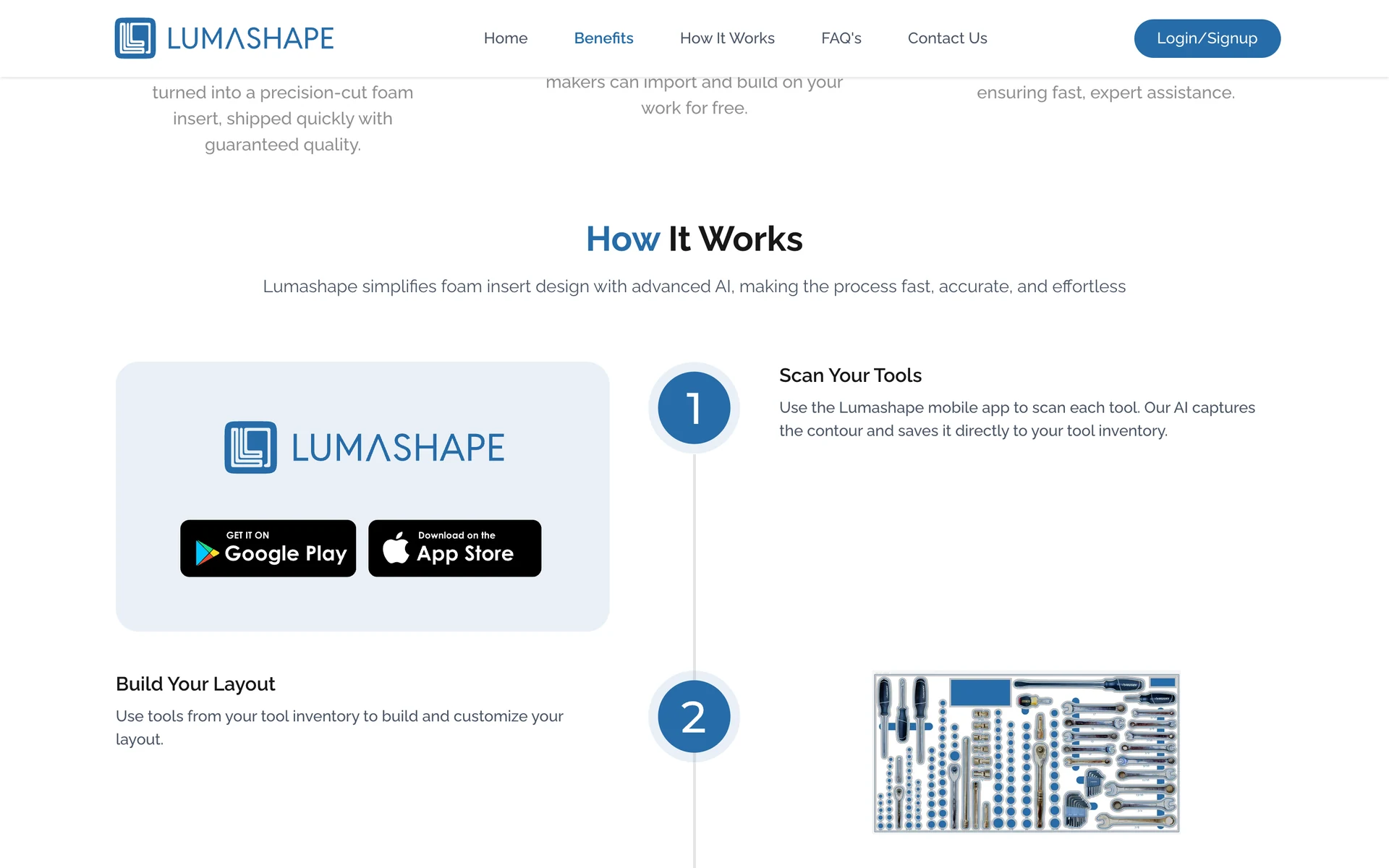
From a photograph to a drawer
Scan your tools
A guided photo in the mobile app. The contour is captured and saved to the tool inventory.
Build your layout
Tools from the inventory are arranged and customised in the web application.
Order
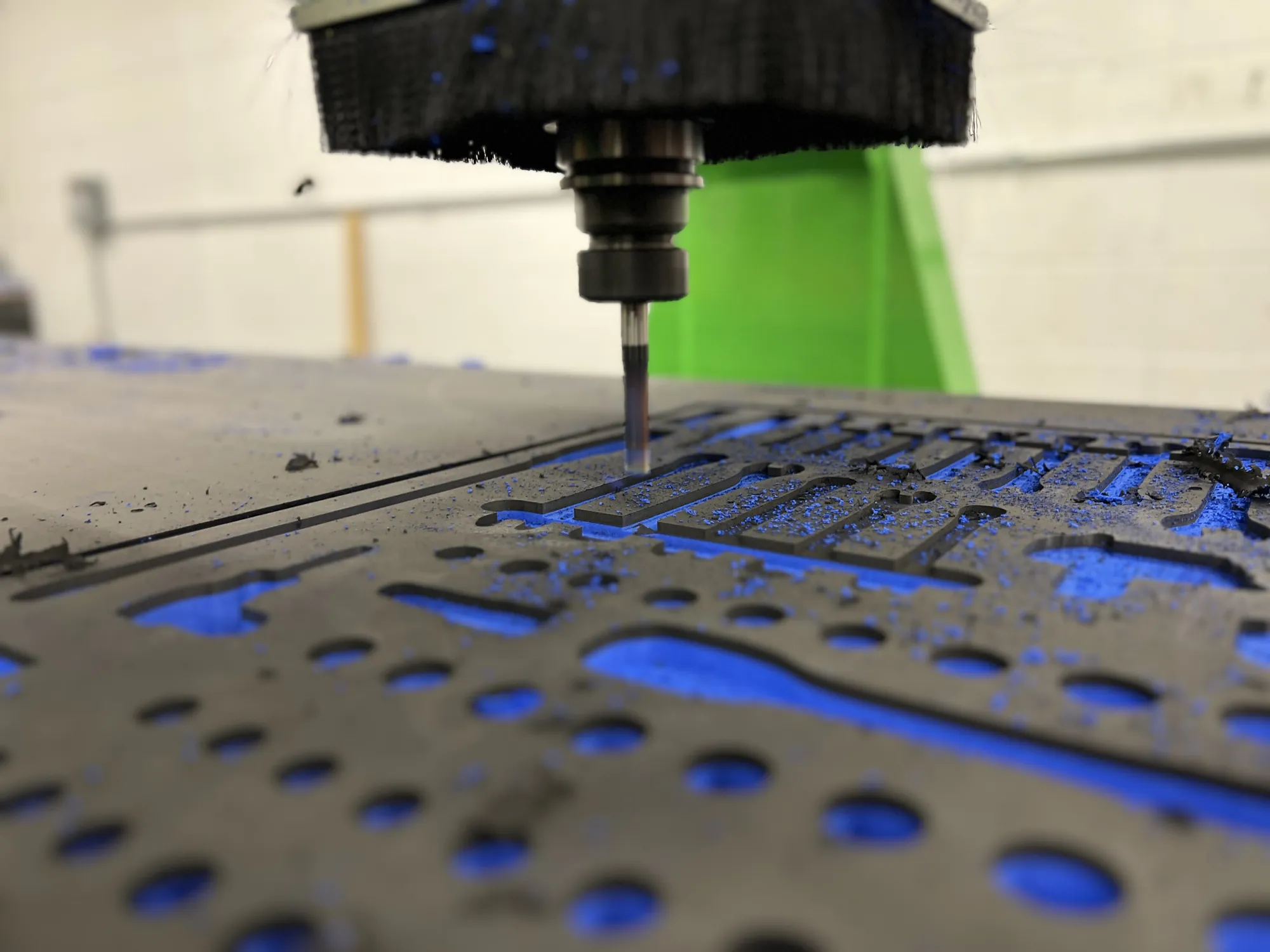
The layout is cut professionally and shipped as a ready-to-use insert, or exported as DXF.
Share with the community
Scans and layouts are published so other makers can build on them.
The product
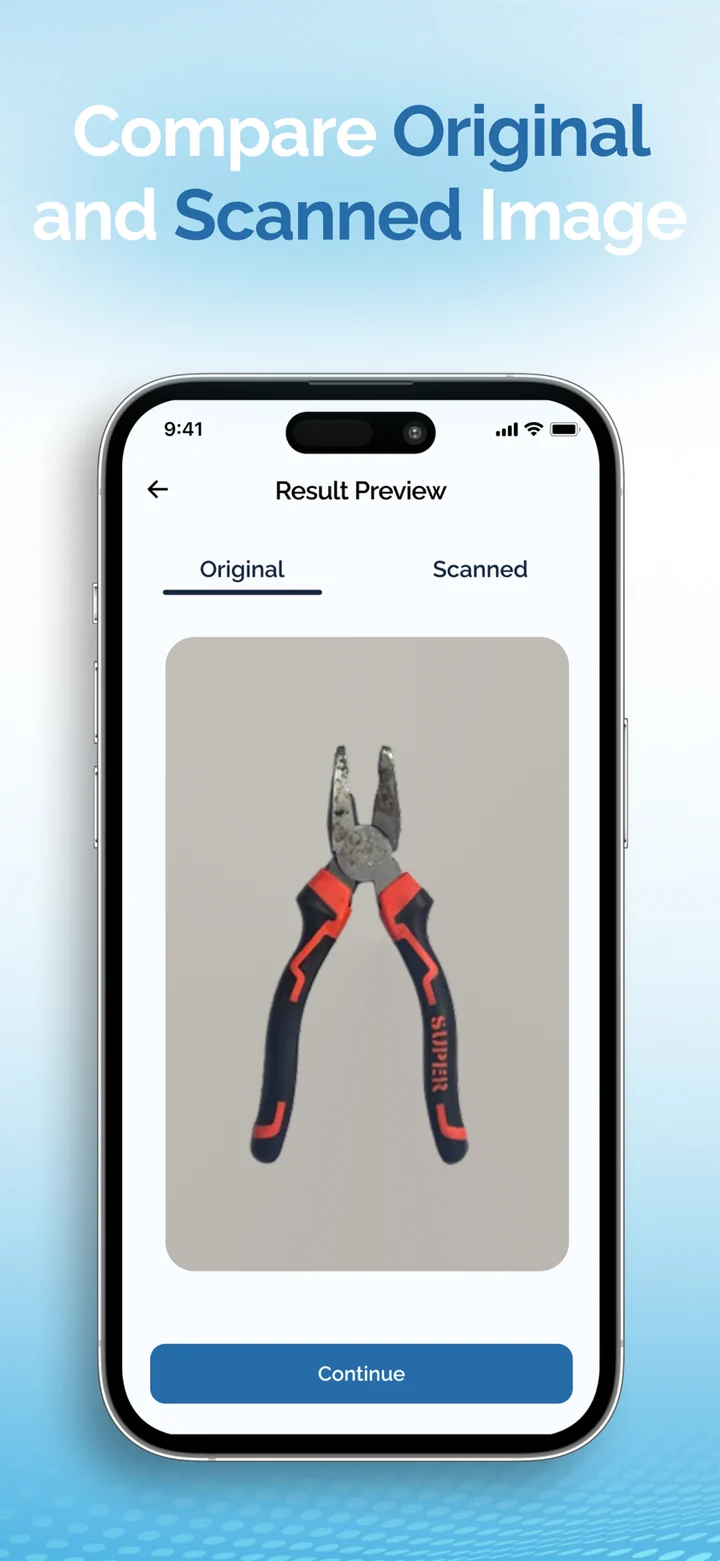
App screens and photography as published by Lumashape.
What makes it interesting
It starts and ends in the physical world.
A photograph of a real tool becomes a vector outline. The outline becomes a layout. The layout becomes foam that the same tool drops back into. The computer vision cannot be roughly right, because the next step is a CNC machine.
What is in it
Guided tool capture
The app directs the photograph, then extracts a clean outline from it.
Scaled from one measurement
Enter the tool's overall length and the contour is scaled to match. Depth sets how deep the pocket is cut.
Adjust and compare
Fine-tune the capture and check the scanned outline against the original photo.
Tool inventory
Every scan stored with brand, type and SKU, ready to drop into any layout.
Rows and nesting algorithms
Two automatic arrangements: tidy rows, or a nested layout that packs tools tightly.
3D layout preview
See the insert as an object before anything is cut.
Public tool library
Import scans and layouts that other people have already made.
Cut-ready output
Download DXF for in-house manufacturing, or submit the layout for production.
What you can check
- Live product
- lumashape.com
- Mobile
- Published on the App Store and Google Play
- Price to scan and design
- Free, as stated by Lumashape
Technology that is publicly visible
- Next.js
- iOS
- Android
- DXF export
We list what anyone can verify. Results belong to our clients, so we do not publish numbers here that they have not published themselves.
How it looks, and why
Engineering blue on white, a plain sans-serif, and the product's own photography: blue foam, cut pockets, tools in drawers.
Built with
- Computer VisionDetection, inspection, measurement and document extraction: systems that turn images into decisions.
- Mobile App DevelopmentiOS and Android apps, native or cross-platform, designed for the thumb and built for real devices and real networks.
- Web DevelopmentWeb applications, SaaS platforms and the systems behind them, engineered to stay fast and easy to extend.
- UI/UX & Product DesignResearch, flows, prototypes, interfaces and design systems, shaped alongside the engineers who build them.